
How to Register on FBR IRIS and Find Your NTN in Pakistan (2026)
Your NTN is your CNIC. Free step-by-step to register on FBR's IRIS portal, log in, find your NTN, and fix the "CNIC not found" error — in about 15 minutes.
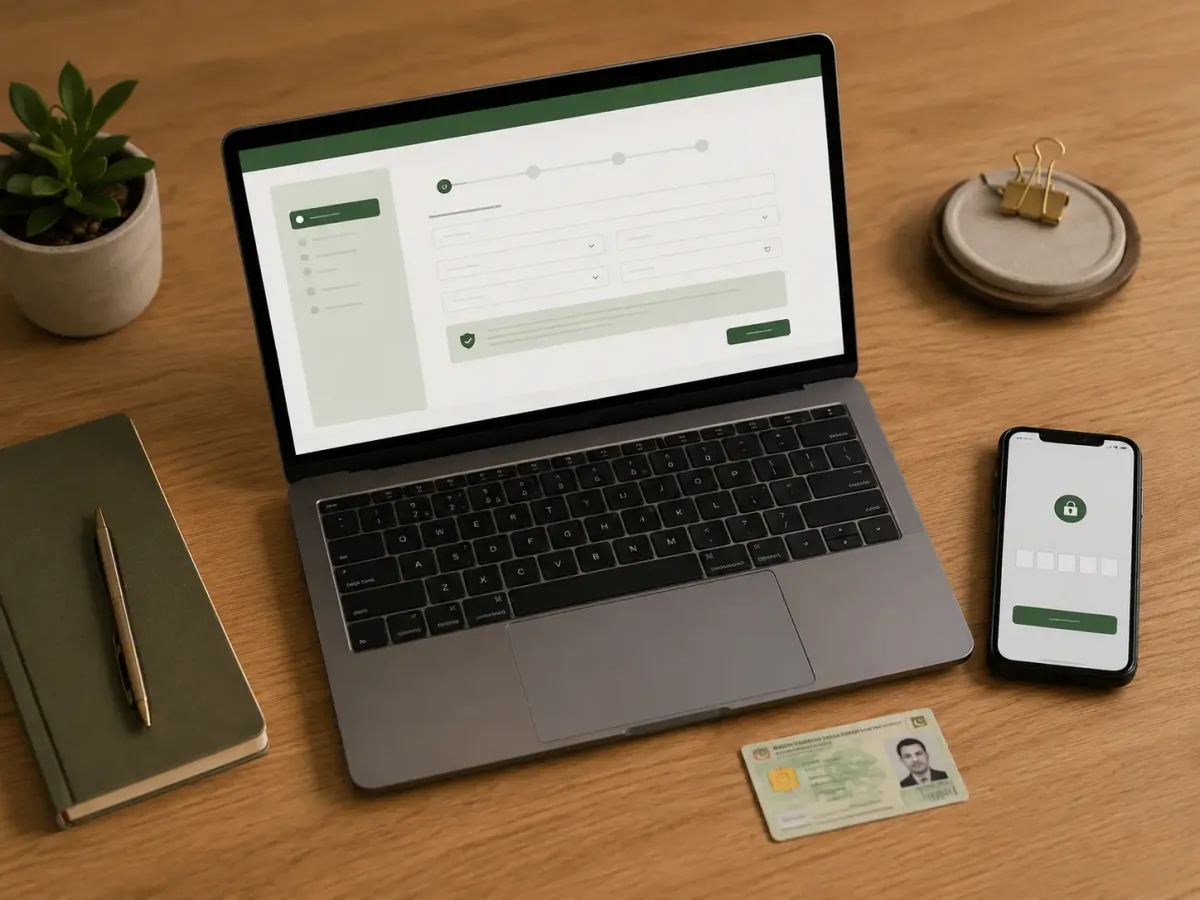
Your NTN (National Tax Number) is what proves you're registered with FBR and for an individual in Pakistan, it isn't a separate number you apply for: your NTN is your 13-digit CNIC. Getting one is free. NTN registration means completing a short e-enrollment on FBR's IRIS 2.0 portal (iris.fbr.gov.pk), and your NTN is active the moment you submit. This guide walks you through registering, logging in, finding your NTN if you already have one, and fixing the errors people hit along the way.
Most first-time filers get stuck at this very first step, convinced registration is complicated or expensive. It isn't. You need your CNIC, a phone number registered in your own name, and an email address. That's the whole shopping list. Let's do it together.
Key Takeaways
- For an individual, your NTN (National Tax Number) is your 13-digit CNIC, so you don't apply for a separate number (FBR, 2026).
- Registering on IRIS (iris.fbr.gov.pk) is free and takes about 10–15 minutes; your NTN is active as soon as you finish.
- You need a CNIC, a SIM registered in your own name, and a personal email before you start. Both your mobile and email receive a one-time code (OTP) to verify you.
What is the difference between your NTN and IRIS?
They're two different things that work together: your NTN is your tax identity, and IRIS is the website where you use it. Your NTN (National Tax Number) is the number FBR uses to identify you as a taxpayer, and for individuals it's the same as your CNIC. IRIS is FBR's online portal, the only official place to register, file returns, and check your status.
Think of it like a bank: your NTN is your account number, and IRIS is the banking app. You register once on IRIS, your NTN activates, and from then on you log in to file every year. For a plain-language definition of each, see our dictionary entries on the NTN and IRIS.
One reassuring point: as an individual salaried person or first-time filer, you never have to "buy" or separately apply for an NTN. Registering on IRIS is getting your NTN.
How do you create an FBR IRIS account?
You register through the e-enrollment form on FBR's IRIS portal, and the whole process takes around 15 minutes. You'll enter your CNIC and contact details, verify them with codes sent to your phone and email, then set a password. Your NTN is generated the moment you submit (FBR, 2026).
Have these three things ready first: your CNIC, a mobile number registered against your own CNIC, and a personal email address you can access right now.
Here's the step-by-step:
- Go to the IRIS portal. Open iris.fbr.gov.pk and click Registration for Unregistered Person (new registration).
- Enter your details. Provide your CNIC, full name (as on your CNIC), mobile number, and email address. Your CNIC becomes your login ID and your NTN.
- Verify with the OTPs. FBR sends a one-time code to your mobile and another to your email. Enter both to confirm the contacts are really yours.
- Set your password and PIN. Create a password (and a four-digit PIN) for the account. Keep these safe, you'll need them every filing season.
- Submit. On success, your registration completes and your NTN is active immediately. You can now log in with your CNIC (no dashes) and password.
If a code doesn't arrive, check that the SIM and email belong to you, wait a few minutes, and request it again. FBR's helpline, 051 111 772 772, can help if the OTP keeps failing.
That's it. You're now registered, and ready to file.
How do you get an NTN number in Pakistan?
Getting an NTN, "making" one, and registering on IRIS are all the same thing — there's no separate application and no fee. For an individual, your NTN is your 13-digit CNIC, so you "get" it simply by completing the free e-enrollment on the IRIS 2.0 portal covered in the steps above — enter your CNIC, verify the codes sent to your mobile and email, submit Form 181, and your NTN is live instantly (FBR, 2026).
There's nothing to buy and no waiting period. Businesses, partnerships, and AOPs are the exception: they're issued a separate 7-digit NTN rather than using a CNIC. If someone offers to "make your NTN" for a fee, remember the registration itself costs zero rupees — you're only ever paying for their time, not the number.
What if IRIS won't accept your CNIC? Common registration errors
If IRIS throws an error when you enter your CNIC, you're usually one small fix away — you don't need an agent. The message most first-timers hit is "CNIC/NTN is not found at Registration No.", and it almost always comes down to one of the causes below.
- You haven't enrolled yet. IRIS only recognises a CNIC once it's registered. If you've never signed up, use Registration for Unregistered Person on the IRIS home page to create your account first, then log in with the same CNIC. Also enter your CNIC as 13 digits with no dashes or spaces — a dashed CNIC is a common cause of a "not found" result.
- Your mobile isn't linked to your CNIC with NADRA. FBR verifies you by matching your SIM to your CNIC through NADRA. If the number is registered in someone else's name or isn't biometrically verified, registration and the OTP will fail. Use a SIM registered against your own CNIC, or get it re-verified at your operator's franchise first.
- The verification code (OTP) never arrives. The codes go to the mobile and email you entered. Confirm both are yours, check your email's spam folder, wait a minute or two, and request the code again.
- "Mobile / email already in use." A contact can be tied to one taxpayer at a time. Use a mobile number and email that are yours and aren't already linked to another registration.
Still stuck? If the error survives those checks, the fix is offline: take your original CNIC to your nearest FBR facilitation counter (Regional Tax Office) for manual verification, or call FBR's helpline at 051 111 772 772. None of this costs anything — if anyone asks for a fee just to "resolve an NTN error," walk away. Registering is free.
How do you find your NTN if you're already registered?
If you've ever been registered, you already have an NTN, and for an individual it's just your CNIC. To confirm it, or to check you're in FBR's system, use the free Taxpayer Profile Inquiry on IRIS. Verification is free and takes under a minute.
Three easy ways to find or confirm it:
- On IRIS: go to Online Verifications → Taxpayer Profile Inquiry, choose CNIC as the parameter, enter your 13-digit CNIC (no dashes), complete the captcha, and view your registration details.
- On the FBR Tax Asaan app: FBR's free mobile app lets you check your registration and profile from your phone.
- By SMS: to check your active-filer status, send ATL (space) your 13-digit CNIC to 9966. (This confirms whether you're on the Active Taxpayer List, not just registered.)
To confirm you're on the Active Taxpayer List (not just registered), see how to check your filer status in Pakistan.
If your CNIC returns a record, you're registered, and that CNIC is your NTN. If nothing comes up, you simply haven't e
nrolled yet, so follow the registration steps above.
A quick note on dashes: always enter your CNIC as 13 digits with no dashes or spaces on FBR systems, or the lookup may fail.
How do you download your NTN certificate?
Your NTN registration certificate is the printable proof that you're registered with FBR — and you can get it yourself from IRIS in under a minute, for free. You just need to be logged in.
- Log in at iris.fbr.gov.pk with your CNIC and password.
- Open the Registration menu and choose your registration form (Form 181).
- Select Print (the certificate/print icon) to generate it as a PDF.
- Save or print it — the certificate shows your name, CNIC/NTN, and registered address.
You can also view your registration details in the free FBR Tax Asaan app. If you only need to prove your filer status rather than your registration, that's a separate check — send ATL (space) your 13-digit CNIC to 9966 to see whether you're on the Active Taxpayer List.
How do you log in to the IRIS portal?
Once you're registered, logging back in takes seconds — your CNIC is your username. Go to iris.fbr.gov.pk, enter your CNIC (13 digits, no dashes) in the Registration No. field, then your password (FBR, 2026).
- Open iris.fbr.gov.pk.
- In Registration No., type your CNIC with no dashes or spaces.
- Enter the password you set when you registered, and complete the captcha.
- You're in — from here you can file your return, check your profile, or update your details.
The four-digit PIN you created at sign-up isn't for logging in — IRIS asks for it later, to confirm actions like submitting your return. Keep it somewhere safe alongside your password.
Forgot your password? Use Forgot Password on the login page. FBR sends a reset code to the mobile and email registered on your account — the same ones you used at sign-up. If those have changed, call 051 111 772 772.
What do you do once you have an IRIS account?
Your IRIS account is the gateway, not the goal, the next step is filing your return so you land on the Active Taxpayer List. Filing on time keeps you off the non-filer penalty rates, where withholding tax on bank profit, property, and dividends runs two to four times higher.
Once you're logged in, you file under Declaration → Income Tax Return, select the tax year, enter your salary and any other income, complete the wealth statement, and submit. We cover that whole process, the current tax slabs, and the September deadline in our complete guide to income tax and filing in Pakistan.
Becoming a filer is also the foundation for sensible investing: lower tax on your dividends and returns, and the paperwork credibility banks look for. If that's your next move, start with how to start investing in Pakistan.
Frequently Asked Questions
What is a National Tax Number (NTN) in Pakistan?
An NTN, or National Tax Number, is your identifier in FBR's tax system. For an individual it's simply your 13-digit CNIC — there's no separate number. You activate it by registering free on the IRIS 2.0 portal. Companies and AOPs are issued a distinct 7-digit NTN instead (FBR, 2026).
Is my NTN the same as my CNIC?
Yes. For an individual in Pakistan, your NTN (National Tax Number) is your 13-digit CNIC. You don't apply for a separate number, you simply register on FBR's IRIS portal, and your CNIC then functions as your NTN for filing returns and checking your filer status (FBR, 2026).
How much does it cost to register for an NTN on IRIS?
Nothing. Registering on FBR's IRIS portal and getting your NTN is completely free, and so is verifying your NTN later. Be cautious of anyone charging a fee just to "make your NTN", the registration itself costs zero rupees, though an agent may charge for doing it on your behalf (FBR, 2026).
How do I get or make an NTN number in Pakistan?
You don't "make" or buy an NTN separately. For an individual, registering on FBR's IRIS portal is getting your NTN — and your NTN is simply your CNIC. Complete the free e-enrollment at iris.fbr.gov.pk with your CNIC, mobile, and email, and your NTN is active the moment you submit (FBR, 2026).
Why does IRIS say "CNIC/NTN is not found at Registration No."?
Usually because that CNIC isn't registered yet, or it was entered with dashes. Type your CNIC as 13 digits with no dashes or spaces. If it still isn't found, you haven't enrolled yet — use "Registration for Unregistered Person" to create your account first, then log in`
How do I log in to the FBR IRIS portal?
Go to iris.fbr.gov.pk and enter your CNIC (13 digits, no dashes) in the Registration No. field, then your password. If you've forgotten it, use "Forgot Password" and FBR sends a reset code to your registered mobile and email (FBR, 2026)
How long does IRIS registration take?
About 10 to 15 minutes if you have your CNIC, a SIM registered in your own name, and an email ready. The system sends one-time codes to your phone and email to verify you, and your NTN is generated immediately once you submit the form. There's no waiting period (FBR, 2026).
How do I find my NTN number using my CNIC?
Go to iris.fbr.gov.pk, open Online Verifications, then Taxpayer Profile Inquiry, select CNIC, and enter your 13-digit CNIC without dashes. You can also use the FBR Tax Asaan app. If a record appears, you're registered and that CNIC is your NTN (Taxocrate, 2026).
What do I need before I start IRIS registration?
Three things: your original CNIC, a mobile SIM registered against your own CNIC, and a personal email address you can open right away. Both your mobile and email receive a verification code during sign-up, so make sure both are active and accessible before you begin (FBR, 2026).
I registered but forgot my IRIS password. What do I do?
On the IRIS login page, use the "Forgot Password" option. FBR sends a reset code to your registered mobile and email, the same contacts you used at sign-up. If those have changed, you may need to update them through FBR or call the helpline at 051 111 772 772 for assistance.
How do I download my NTN certificate from IRIS?
Log in to iris.fbr.gov.pk with your CNIC and password, open the Registration menu, select your registration form (181), and choose Print to save your NTN certificate as a PDF (FBR, 2026). It's free. You can also view your registration details in the free FBR Tax Asaan app.
The bottom line
Getting set up to file taxes in Pakistan is far simpler than most people fear. Your NTN isn't a number you chase, it's already your CNIC. IRIS isn't a maze, it's a 15-minute, no-cost sign-up that you do once. Clear that first step and the rest of tax season is just data entry.
So if you've been putting off filing because the registration felt daunting, today's the day to handle it. Open IRIS, enter your CNIC, verify the codes, set a password. Then come back and file your return before the deadline.
This guide explains the registration process in plain terms and isn't personal tax advice. FBR's portal and forms can change, so follow the on-screen instructions and confirm anything unclear with FBR or a registered tax adviser.
Sources
- Federal Board of Revenue (FBR). "Register for Income Tax." Retrieved 2026-06-22, from https://fbr.gov.pk/categ/register-income-tax/51147/30846/71148
- FBR. "IRIS 2.0 Portal." Retrieved 2026-06-22, from https://iris.fbr.gov.pk/
- FBR. "Active Taxpayer List (Income Tax)." Retrieved 2026-06-22, from https://www.fbr.gov.pk/categ/active-taxpayer-list-income-tax/51147/30859/71169